Open the app on your computer
It shows a QR code and a test screen for your controls. Windows, macOS and Linux.
Install the free desktop app and scan its QR code. Your phone becomes a gamepad, game keys or a mouse for that computer. Every friend's phone is another controller.
No account. Players need no app: the controller opens in the phone's browser.
You're on a phone: open controller.plus on your computer, then scan the code there.
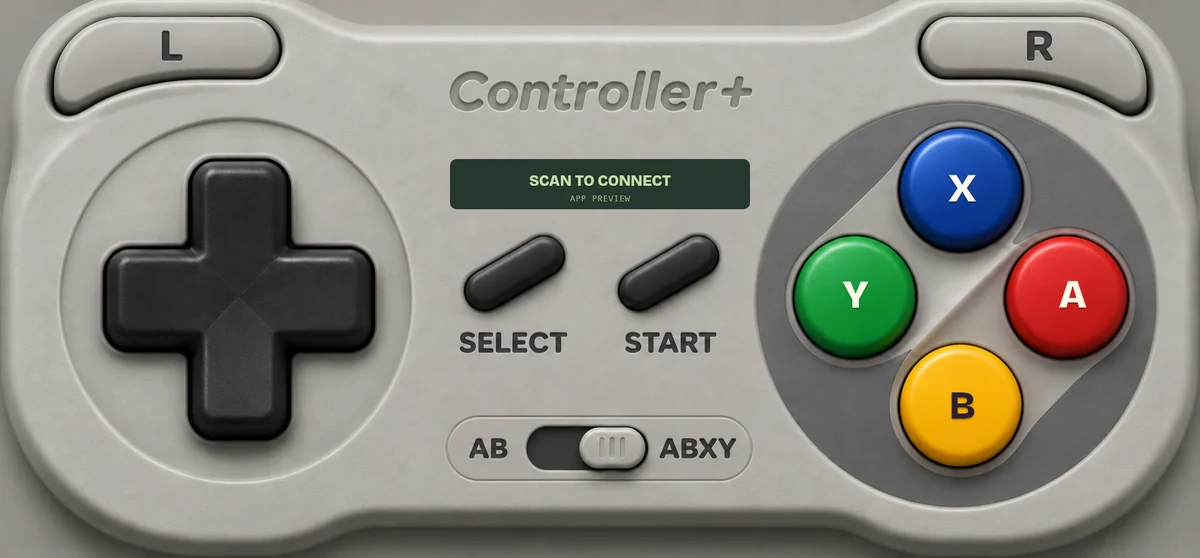
No phone handy? Open the controller in a new tab.
It shows a QR code and a test screen for your controls. Windows, macOS and Linux.
The controller opens in the phone's browser. Friends scan the same code to join as players 2 to 8.
Pick a mode per phone on the computer: a gamepad, or game keys for anything with keyboard controls.
Gamepad mode makes the phone a real controller: an Xbox controller on Windows. Game keys press arrows or WASD, Space, Enter and Esc, so any game with keyboard controls works today. Mouse, typing and media keys come with the phone apps.
What works on each system →Big thumb targets, a tactile D-pad, two sticks when a game needs them. Games can rumble your phone and play sounds on it.
The controller shows how it's connected (your Wi-Fi, the game's server or our relay) and the measured ping, live.
Two buttons or four, A at the bottom or B, D-pad or stick. Your choice never changes which button the game sees.
Pro is a one-time purchase in the phone apps, coming to the App Store and Google Play: animated Indigo, Crystal and Afterglow styles, colors and backgrounds. No subscription, no ads.
The demo at the top of this page is the whole integration: create a room, show its QR, read the input. No server, no key. Phones can also show private screens your game sends: a secret role, a vote, a drawing pad.
// your-game.js
import { createRoom, movement } from
  "https://controller.plus/sdk/src/relay-host.mjs";

const room = await createRoom({
  game: { id: "space-race", name: "Space Race" },
});
qr.innerHTML = room.qrSVG;  // players scan this

room.on("input", ({ playerId, input }) => {
  const [x, y] = movement(input);  // stick or D-pad
  steer(playerId, x, y, input.buttons[0] > 0.5);
});Game keys work in any game with keyboard controls. On Windows each phone shows up as an Xbox controller; on Linux as a standard gamepad.
No. They scan the QR with their phone camera and the controller opens in the browser. Up to eight phones per computer.
The desktop app and every control a game needs are free. Pro is a one-time purchase in the upcoming phone apps. No subscription, no ads.
It depends on your network. The controller shows the live round-trip ping and the route it uses, so you see the real number, not a promise.
Any iPhone or Android phone with a current browser. Android browsers also vibrate; iPhones vibrate with the app.
Yes, with game keys. Mac gamepad mode is waiting on Apple's approval of the virtual-controller permission.